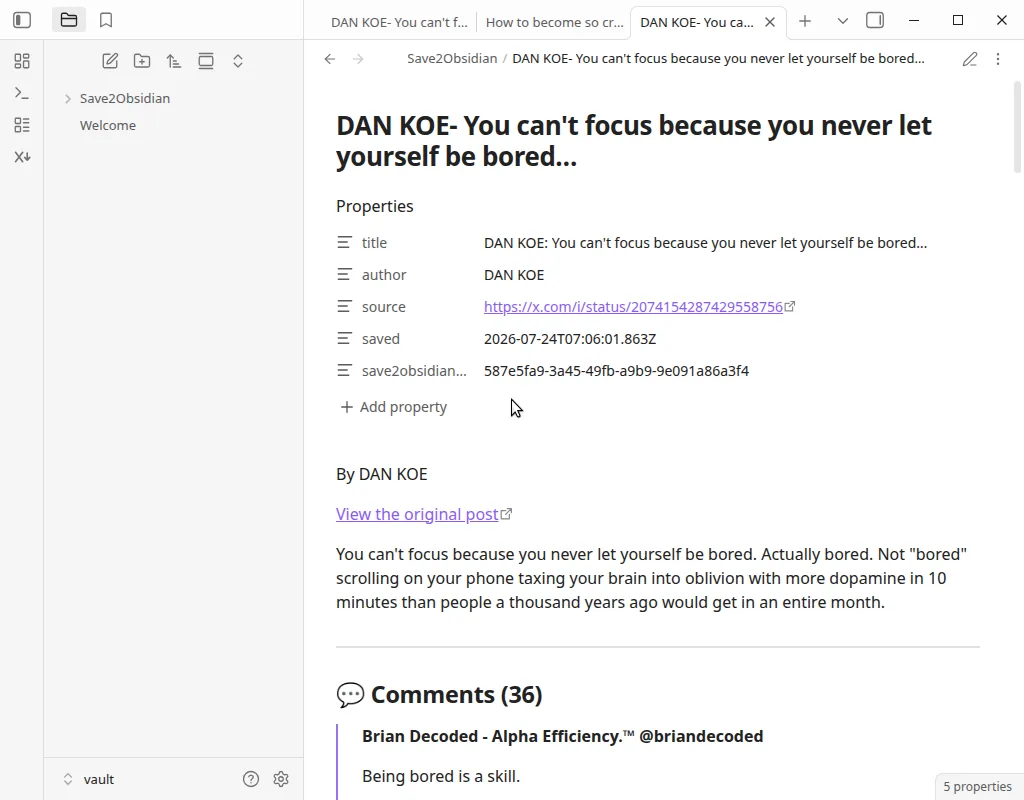
Install the plugin, paste your key
- Open Settings → Community plugins, and turn off Restricted mode if Obsidian asks.
- Choose Browse, search for Save2Vault, then Install and Enable.
- Open Settings → Save2Vault, paste the key from above, and choose Test connection.
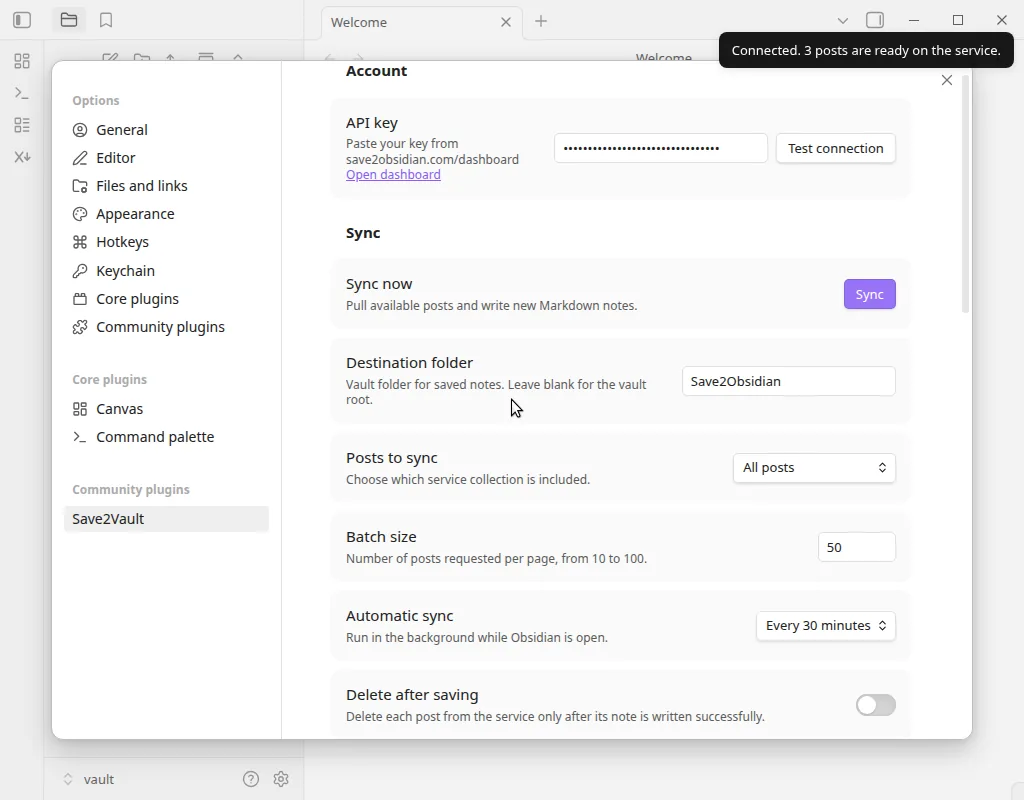 Plugin settings after a successful test →